Driving on Dubai’s toll roads requires an activated Salik tag linked to your vehicle. The Salik system automatically deducts toll fees each time you pass under a gate, ensuring smooth and uninterrupted travel. Activation is mandatory before your first toll crossing to avoid fines or violations. The process is simple and can be completed online, through official government apps, by phone, or in person. Once activated, the tag connects to your Salik account and vehicle plate, with tolls deducted automatically. Correct tag placement and maintaining a sufficient balance are essential for reliable detection and stress-free driving across Dubai.
How to Activate a Salik Tag in Dubai: Complete 2026 Guide
Navigating Dubai’s toll roads requires a Salik tag attached to your vehicle and properly activated before your first toll crossing.
A Salik tag lets the toll system automatically deduct fees each time you drive under a toll gate without stopping, keeping traffic fluid and payments seamless. Understanding activation steps, required information, and best channels saves you time and avoids fines for non-activation or insufficient balance. (salik.ae)
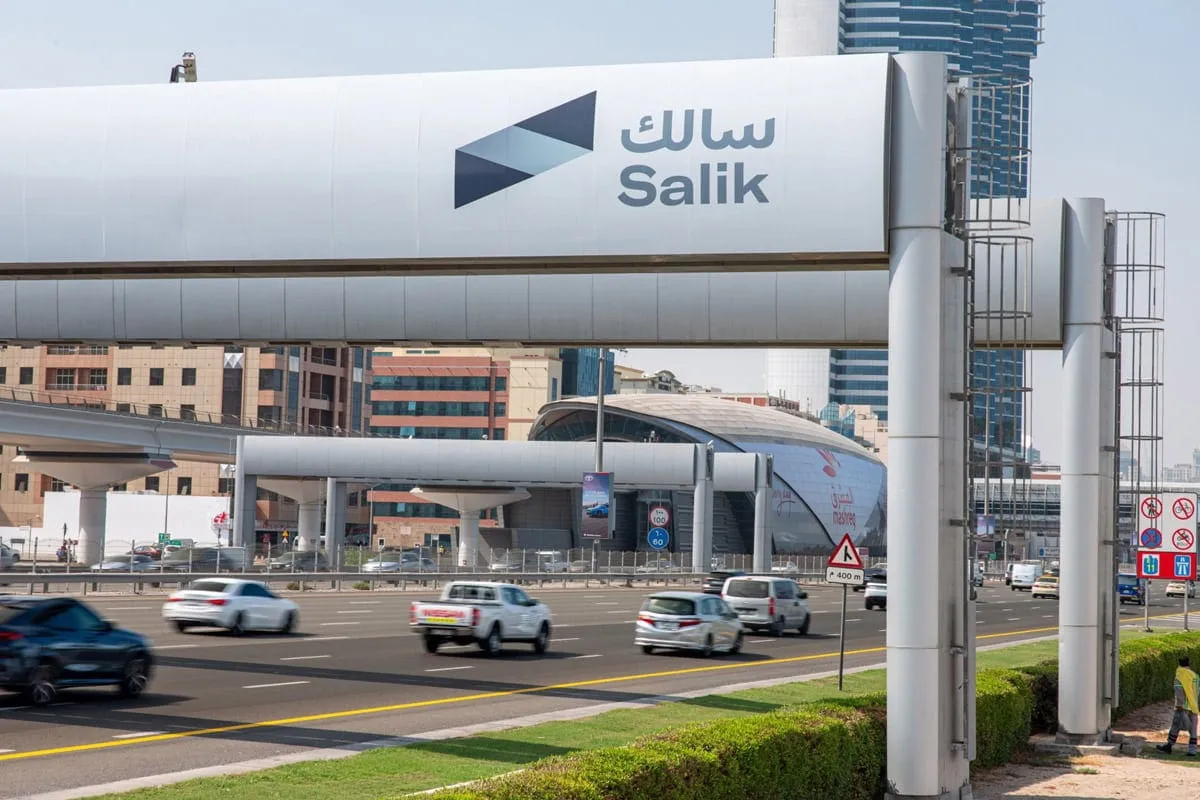
What Is a Salik Tag and Why You Must Activate It
Salik Tag Explained
A Salik tag is an electronic toll tag that uses RFID technology to automatically record toll charges when your vehicle passes a toll gate in Dubai.
The tag sends signals to toll readers, and your Salik account is debited accordingly without the need to stop at the gate. (salik.ae)
Why Activation Matters
Activation connects your Salik tag to your vehicle and toll account. If you drive under a Salik gate with an unactivated tag, you may be recorded with a violation or unpaid tolls, which could lead to fines and administrative issues later. (salik.ae)
Toll System Basics and Charges
Dubai’s Salik toll system automatically charges a fixed fee which is typically AED 4 to AED 6 every time you pass a toll gate.
Keeping the tag activated and regularly recharged ensures you pay only legitimate tolls and avoid penalties for expired tags or low balances. (Wikipedia)
When You Need to Activate Your Salik Tag
After Purchasing a New Salik Tag
When you buy a Salik tag whether online through the official site or from authorised dealers, petrol stations, or banks, activation must occur before you cross any toll gates.
Tags purchased online may activate automatically upon completion of payment. (salik.ae)
When Linking a Tag to a Vehicle
Tags are linked to specific vehicles and drivers. After purchase, you must activate the tag and connect it to your vehicle’s registration details to ensure tolls are charged correctly. (salik.ae)
After Transferring a Vehicle or Tag
If a vehicle’s ownership changes or a tag is reassigned, the new owner must reactivate the tag under the correct Salik account to maintain accurate records and avoid violations. (Policybazaar UAE)
What You Need Before Activating a Salik Tag
Salik Tag Number and Activation Key
To activate your tag, you must have the physical Salik tag with its unique number and the corresponding activation key usually printed on the tag kit.
These details identify your tag and link it to your account. (DubiCars)
Vehicle Registration (Mulkiya)
You need your vehicle’s registration card (Mulkiya) to verify that the tag is being linked to the correct car.
This ensures the toll system associates charges with the right vehicle. (Policybazaar UAE)

Emirates ID and Contact Details
Your Emirates ID confirms your identity in official systems, while your registered mobile number ensures you receive SMS confirmations after successful activation.
Having these ready accelerates the process. (DubiCars)
How to Activate a Salik Tag in Dubai
1. Activate Online via the Salik Website or App
The official Salik website lets you activate your tag by logging into your Salik account, entering the tag number, activation key, vehicle plate details, and required personal information, and submitting the activation request.
Confirmation usually arrives via SMS soon after successful activation. (Policybazaar UAE)
2. Activate Through the RTA Dubai App
The Roads and Transport Authority (RTA) app includes a Salik section where tag activation is possible. Log in with your UAE PASS, select “Salik,” and choose “Tag Activation.”
Enter the necessary tag details and vehicle information, then submit. Activation completes quickly, and you can manage your account thereafter. (salik.ae)
3. Activate via the Dubai Now App
The Dubai Now app is a government services platform that integrates Salik tag activation.
After logging in, navigate to Salik’s “Tag Activation” section, input your tag number, activation key, and vehicle plate, and follow the prompts until confirmation. (Policybazaar UAE)

4. Activate at Customer Happiness Centres
If you prefer in-person support, visit an RTA Customer Happiness Centre in locations such as Deira or Umm Ramool.
Bring your Salik tag, activation key, Emirates ID, and vehicle registration to have an officer activate the tag for you. (DubiCars)

5. Activate by Phone with Salik Call Centre
Call the Salik customer service line at 800 72545 (8-SALIK), follow the interactive voice instructions, and provide your tag number, activation key, vehicle plate, and ID details.
A confirmation SMS is typically sent once the tag is activated. (Lookinsure)
Common Activation Issues and How to Fix Them
Incorrect Tag or Activation Details
Ensure your tag number, activation key, and vehicle plate details match the Salik records exactly.
Mistyped information is the most common cause of activation failure, requiring correction and resubmission. (Ezhire)
Delay in SMS Confirmation
Activation confirmation usually arrives within minutes when done online.
If you don’t receive an SMS within 10 days, contact Salik customer support or retry the process using a different channel. (GMZ Car Rental)
Tag Placement and Detection Issues
After activation, proper tag placement on your windshield is essential for toll detection.
Place the tag high in the centre near the rearview mirror to ensure the toll sensors read it accurately.
Incorrect placement can lead to missed scans or fines. (octane.rent)
What Happens After Tag Activation
Link to Your Salik Account
Once activated, your Salik tag is linked to your account and plate number.
You can view your account balance, recent toll trips, and recharge needs online through official portals or apps. (RTA)
Toll Deductions Start Automatically
As soon as your tag is activated and a balance is available, tolls are automatically deducted each time you cross a Salik gate.
Monitoring your account regularly helps you avoid fines for low balance. (salik.ae)
Receive Confirmation and Alerts
Salik sends SMS confirmations for activation, recharges, and notifications when your balance runs low.
Keeping your contact details current ensures you receive important updates. (DubiCars)

Tips for Managing Your Salik Account After Activation
Keep Your Balance Topped Up
Maintaining a positive Salik balance avoids fines that occur when your account cannot cover toll charges.
Many drivers set up auto-recharge or regular reminders to handle balance maintenance. (Policybazaar UAE)
Monitor Toll Usage
Review recent toll trips through the Salik portal or apps to understand travel patterns and balance requirements, helping you prepare for frequent toll crossings without interruption. (RTA)
Update Account Details Promptly
If you change vehicles, move, or change your contact number, update your Salik account details promptly to avoid misdirected notifications or security issues with your tag activation status. (RTA)
Common Mistakes When Activating a Salik Tag
Waiting Too Long to Activate
Delaying tag activation after purchase can lead to fines when you enter toll gates.
Salik rules require activation before travelling through toll points to ensure correct billing. (salik.ae)
Using Incorrect Apps or Portals
Using unofficial third-party services or non-government portals may lead to data mismatches and activation failure.
Always use official channels such as the Salik website, RTA Dubai App, or Dubai Now App. (Policybazaar UAE)
Neglecting to Check SMS Confirmations
Not reading the confirmation SMS or missing alerts can prevent you from knowing whether activation succeeded, leading to unnecessary fines or trips without a linked tag. Keeping alerts active avoids this. (DubiCars)
Final Thoughts
Activation Is Simple But Crucial
Activating your Salik tag in Dubai is a simple process that ensures seamless toll charge deductions and compliance with local road regulations.
By following the correct steps via official channels, you protect yourself from violations and travel confidently on major roads. (salik.ae)
If you prefer expert assistance activating your Salik tag or managing your Salik account, Automobili can support you from start to finish.
Whether online setup, app configuration, or in-person help is needed, our team provides professional guidance to make your toll experience seamless and stress-free.
📧 Email: contact@automobilimotors.com
📲 WhatsApp: +971 54 426 6387